
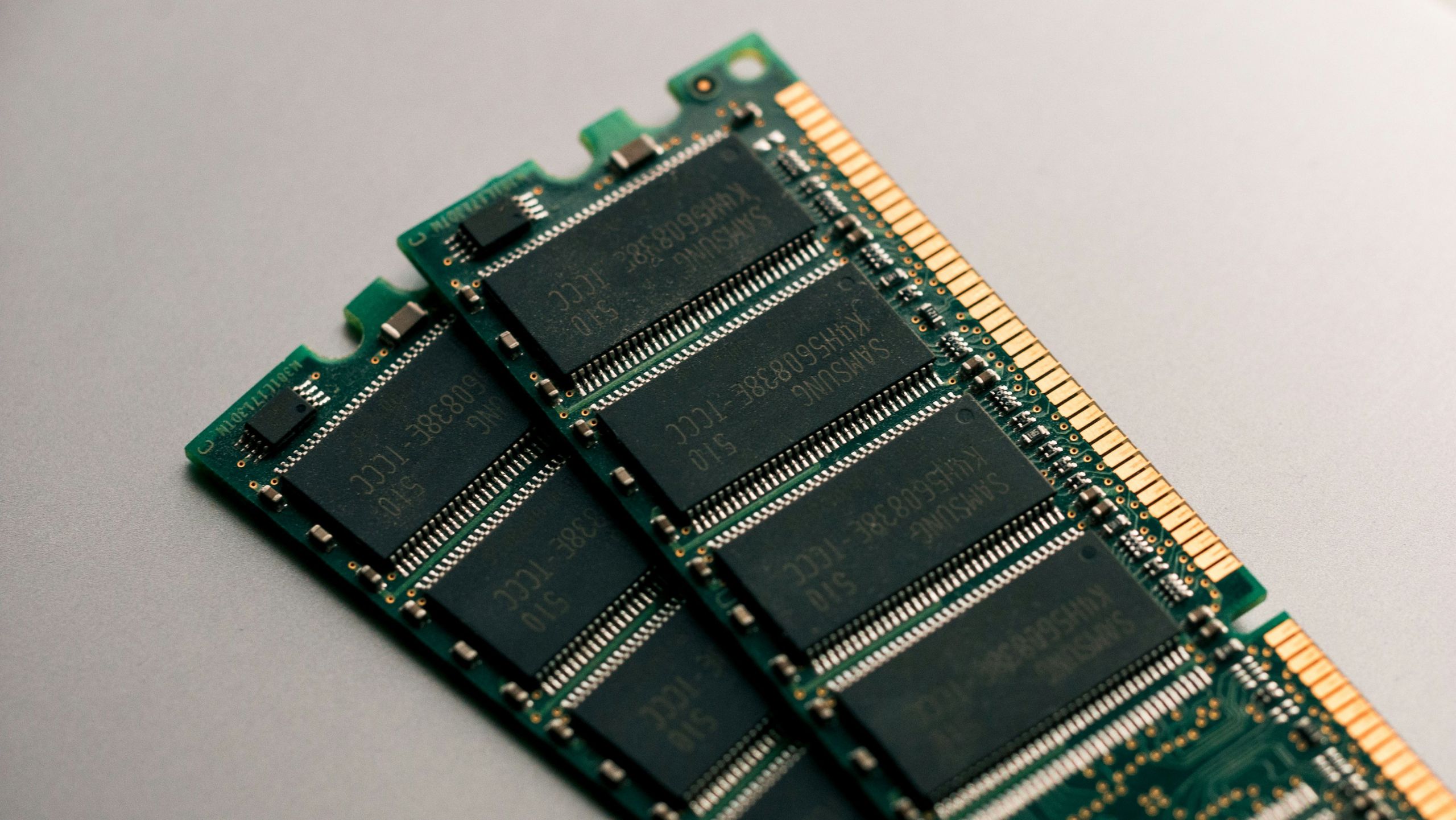
RAM, or Random Access Memory, is a type of computer memory that stores data currently being used by the system. It allows the operating system and applications to access information quickly while the computer is running. Unlike permanent storage, RAM only holds data temporarily and is cleared when the device is turned off.
RAM plays a critical role in how fast and smoothly a computer operates. Having enough RAM helps prevent slowdowns when multiple programs are running at the same time.
What RAM is and what it means
RAM is the working memory of a computer. It is where active data and instructions are stored so the processor can access them instantly. Every time you open a program, load a website, or perform a task, the required data is placed into RAM.
The main purpose of RAM is speed. Accessing data from RAM is much faster than retrieving it from long-term storage such as a hard drive or solid-state drive. Because of this, RAM allows applications to respond quickly and run efficiently.
RAM does not store information permanently. It is designed only for temporary use while the system is powered on. Once the computer is shut down or restarted, all data stored in RAM is erased.
How RAM works
When a computer is turned on, the operating system loads essential components into RAM. As applications are launched, additional data is transferred into RAM so the processor can work with it efficiently.
The processor continuously reads and writes data to RAM while programs are running. If there is enough available RAM, multiple applications can stay active at the same time without slowing the system down. If RAM becomes full, the system must move some data back to storage, which is significantly slower.
This process happens automatically and is managed by the operating system. Users typically do not need to manually control how RAM is used.
What RAM affects in real-world usage
RAM directly impacts system responsiveness and multitasking performance. Systems with more RAM can keep more applications open at once without noticeable delays.
Insufficient RAM can cause slowdowns, freezing, or longer loading times. This often occurs when many browser tabs are open or when memory-intensive programs are running simultaneously.
RAM also affects tasks such as file editing, browsing, gaming, and media playback. While RAM alone does not determine overall performance, it is a key factor in maintaining smooth and stable operation.
Common misconceptions about RAM
A common misunderstanding is that RAM increases permanent storage space. RAM does not store files long-term and does not replace storage devices.
Another misconception is that more RAM always makes a computer faster. While additional RAM helps prevent slowdowns caused by memory shortages, it does not improve performance if the system already has enough memory for its workload.
Some users also believe RAM stores data even when a computer is powered off. In reality, RAM is cleared whenever the system shuts down.
FAQ
Is RAM the same as storage?
No. RAM is temporary memory used while the computer is running, while storage keeps data permanently.
Does more RAM make programs load faster?
It can help if the system previously lacked sufficient memory, but it does not always improve loading speed on its own.
Can a computer run without RAM?
No. RAM is essential for a computer to function and run software.
Conclusion
RAM is an essential component that allows computers to run applications smoothly and respond quickly to user actions. It temporarily stores active data so the processor can access it efficiently. Understanding the role of RAM helps explain why memory capacity is important for everyday computing tasks.