
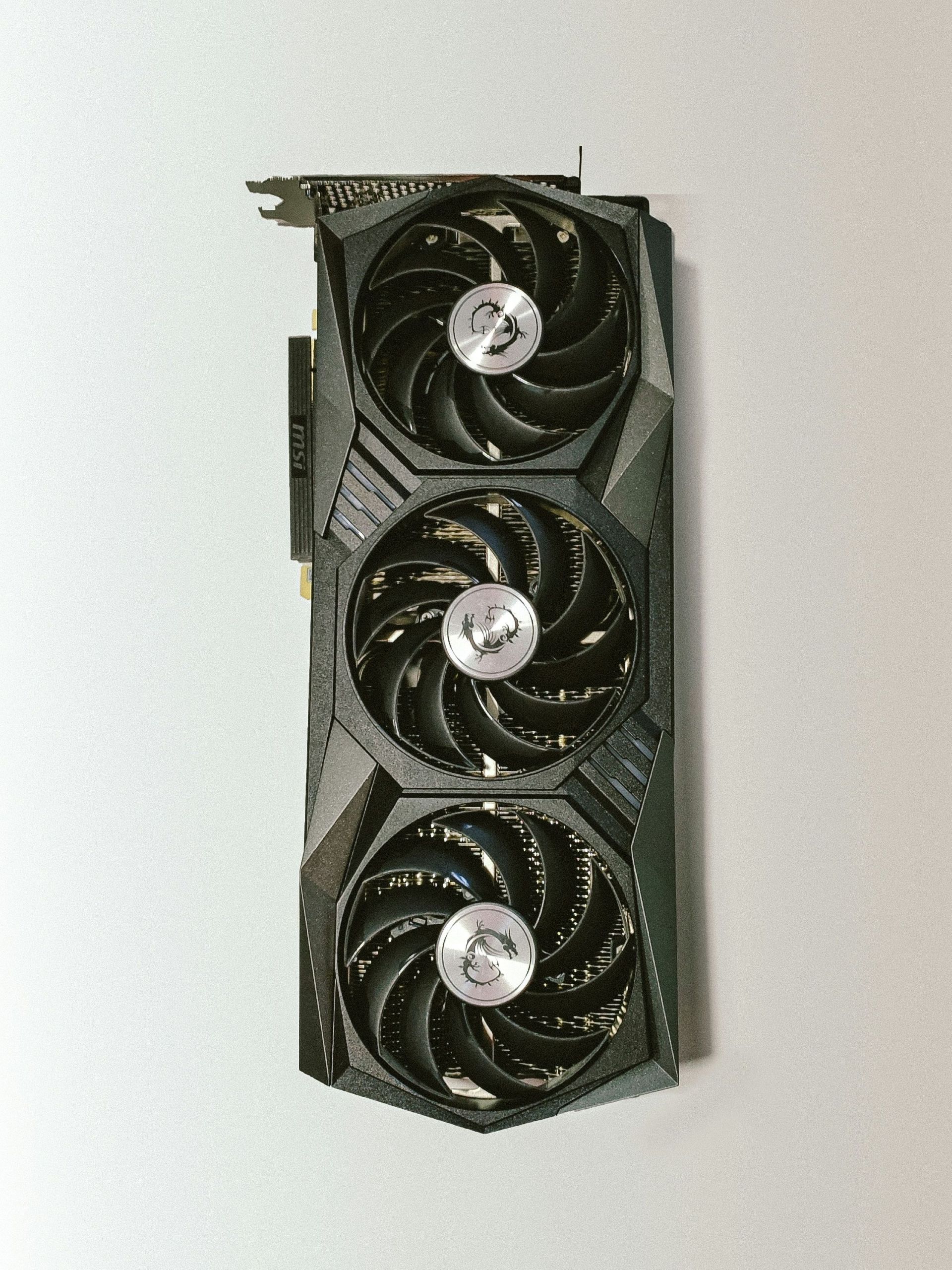
A graphics card is a component that processes visual information and sends it to a display. It is responsible for rendering images, videos, and graphical interfaces that appear on screens. By handling visual tasks, the graphics card helps ensure smooth and clear display output.
Graphics cards work alongside the main processor to manage visual workloads efficiently.
What this actually means in practice
In everyday use, the graphics card handles everything you see on the screen. This includes displaying the desktop, rendering web pages, playing videos, and showing images.
When applications involve complex visuals, such as games, video playback, or graphic design software, the graphics card takes on a larger role. It processes visual data so the main processor can focus on other tasks.
Even simple actions like moving windows or scrolling pages rely on the graphics card to update the display smoothly.
How a graphics card works at a high level
A graphics card contains its own processing unit designed specifically for visual tasks. It receives instructions from software and processes graphical data accordingly.
The graphics card converts data into signals that the display can understand. It calculates colors, shapes, and movement, then sends the final image to the screen.
Some systems use integrated graphics built into the main processor, while others use dedicated graphics cards with their own resources. Both serve the same purpose but differ in capability.
What the graphics card affects in real-world usage
The graphics card affects how smoothly visuals are displayed and how well a system handles visually demanding tasks. Better graphics processing can result in clearer images, smoother animations, and improved video playback.
For general use such as browsing and office work, basic graphics processing is sufficient. More demanding tasks place higher requirements on the graphics card.
Overall user experience is influenced by how effectively the graphics card manages visual output.
Common misunderstandings about graphics cards
A common misconception is that graphics cards are only needed for gaming. In reality, they are used for all visual output, including basic desktop tasks.
Another misunderstanding is that a graphics card improves all system performance. Graphics cards primarily affect visual processing, not general computing tasks.
Some users also believe that a graphics card stores files or data. Graphics cards process visuals but do not store user data long term.
FAQ
Do all computers have a graphics card?
Yes. All computers have some form of graphics processing, either integrated or dedicated.
Does a better graphics card make a computer faster overall?
It improves visual performance but does not significantly affect non-visual tasks.
Can a computer work without a graphics card?
No. Some form of graphics processing is required to display output.
Conclusion
A graphics card processes visual information and displays it on the screen. It plays a key role in rendering images, videos, and interfaces. Understanding what a graphics card does helps explain how computers handle visual content and why different systems display graphics differently.