
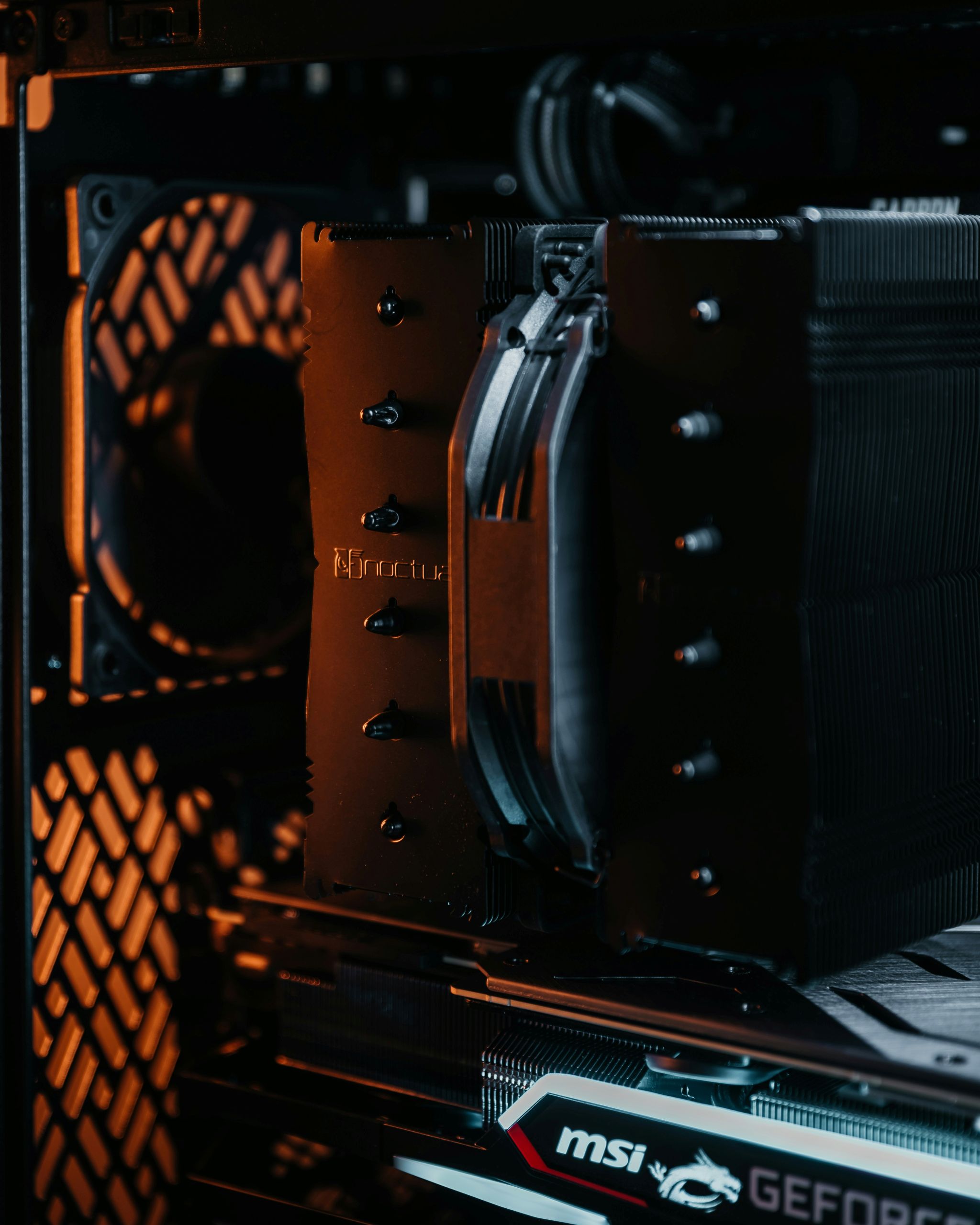
Computer fans are components designed to move air through a computer system. Their main purpose is to help remove heat generated by internal components. By circulating air, fans help keep temperatures within safe operating limits.
Fans work automatically and adjust their activity based on how much heat the system produces.
What this actually means in practice
In everyday use, computer fans help maintain stable operation. When you use applications, watch videos, or perform tasks, internal components generate heat that must be removed.
As activity increases, fans often spin faster to move more air. When the system is idle, fans may slow down or stop entirely. Users usually notice fans when they become louder during heavy use.
Effective airflow ensures that warm air is pushed out of the system and replaced with cooler air from outside.
How computer fans work at a high level
Computer fans rotate to create airflow inside the system. This airflow moves heat away from components and carries it toward vents where it can exit the device.
Fans are positioned strategically to guide air through areas where heat builds up. Some fans pull cool air into the system, while others push warm air out.
The operating system and hardware sensors control fan behavior. They monitor temperatures and adjust fan speed automatically to maintain safe conditions.
What computer fans affect in real-world usage
Fans affect system temperature, stability, and noise levels. Proper airflow allows components to operate without overheating, which helps maintain consistent performance.
If airflow is restricted or insufficient, temperatures can rise. In response, the system may reduce performance to limit heat or increase fan speed, resulting in louder noise.
Good airflow design helps balance cooling efficiency and quiet operation during normal use.
Common misunderstandings about computer fans
A common misconception is that fans are only needed during demanding tasks. In reality, even light use generates heat that requires airflow.
Another misunderstanding is that louder fans always indicate a problem. Increased noise often means the system is actively cooling itself under higher load.
Some users believe fans cool components directly. Fans move air; they help remove heat rather than cooling components on their own.
FAQ
Do all computers have fans?
Most computers use fans, though some low-power devices rely on passive cooling instead.
Why do fans turn on and off?
Fan speed changes automatically based on temperature and system activity.
Can blocked airflow cause issues?
Yes. Restricted airflow can lead to higher temperatures and reduced performance.
Conclusion
Computer fans move air through a system to help remove heat and maintain safe operating temperatures. They play a crucial role in system stability, performance, and longevity. Understanding their purpose helps explain fan noise and airflow behavior during everyday use.