
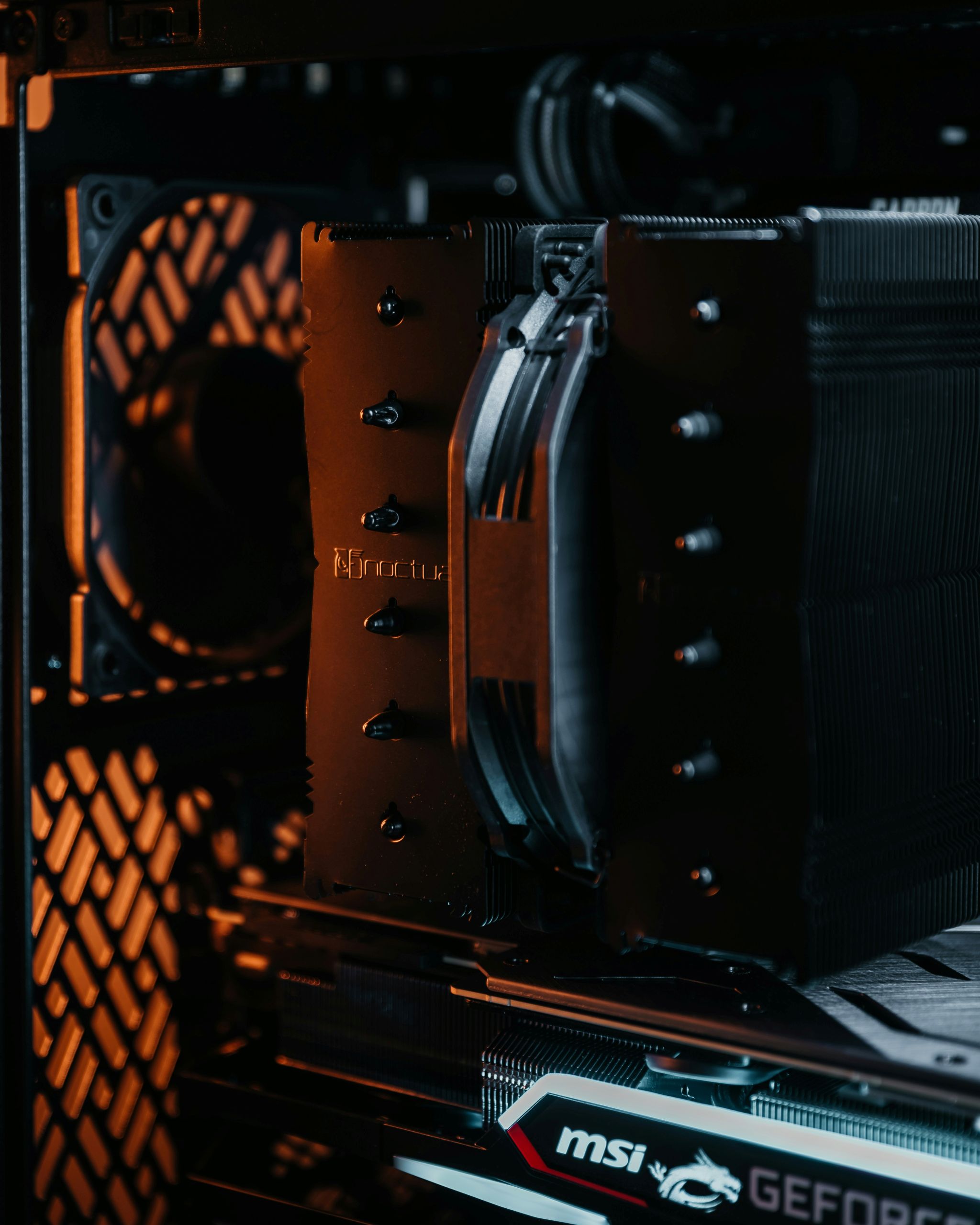
Computer cooling is the process of removing heat from internal components to keep the system operating safely. As a computer runs, its components generate heat, especially during active use. Cooling systems are designed to manage this heat and prevent damage or instability.
Without proper cooling, a computer would quickly overheat and stop functioning correctly.
What this actually means in practice
In everyday use, cooling allows a computer to operate continuously without becoming too hot. When you browse the web, watch videos, or use applications, heat is produced and must be dissipated.
Cooling systems work automatically in the background. Fans may speed up when the system is under load and slow down when activity decreases. In many cases, users only notice cooling when fans become audible.
Effective cooling helps maintain consistent performance and extends the lifespan of hardware components.
How computer cooling works at a high level
Cooling systems transfer heat away from critical components. Heat generated by components is first absorbed by materials designed to conduct heat efficiently.
Once heat is collected, it is moved away from the component and released into the surrounding air. Fans help circulate air so that warm air is replaced with cooler air.
Some systems rely on simple airflow, while others use more advanced methods to manage heat more efficiently. The goal in all cases is to keep temperatures within safe operating ranges.
What cooling affects in real-world usage
Cooling affects system stability and performance. If a computer cannot cool itself effectively, it may reduce performance to limit heat generation.
Proper cooling allows components to operate at intended speeds for longer periods. This is especially important during tasks that require sustained processing.
Cooling also affects noise levels. Systems working harder to remove heat may produce more audible fan noise during heavy use.
Common misunderstandings about computer cooling
A common misconception is that cooling only matters for demanding tasks. In reality, all computing activity generates heat, even during light use.
Another misunderstanding is that more cooling always means better performance. Cooling helps prevent overheating, but it does not increase performance beyond hardware limits.
Some users believe that heat immediately damages a computer. Modern systems include safeguards to prevent serious damage by adjusting behavior when temperatures rise.
FAQ
Do all computers need cooling systems?
Yes. All computers require some method of managing heat, even low-power devices.
Why do fans get louder sometimes?
Fans increase speed to remove more heat when components are under heavier load.
Can poor cooling cause shutdowns?
Yes. If temperatures become too high, systems may shut down to protect components.
Conclusion
Computer cooling manages the heat produced by hardware components to ensure stable and safe operation. It works continuously in the background to remove excess heat and maintain performance. Understanding how cooling works helps explain fan behavior, noise, and system stability.