
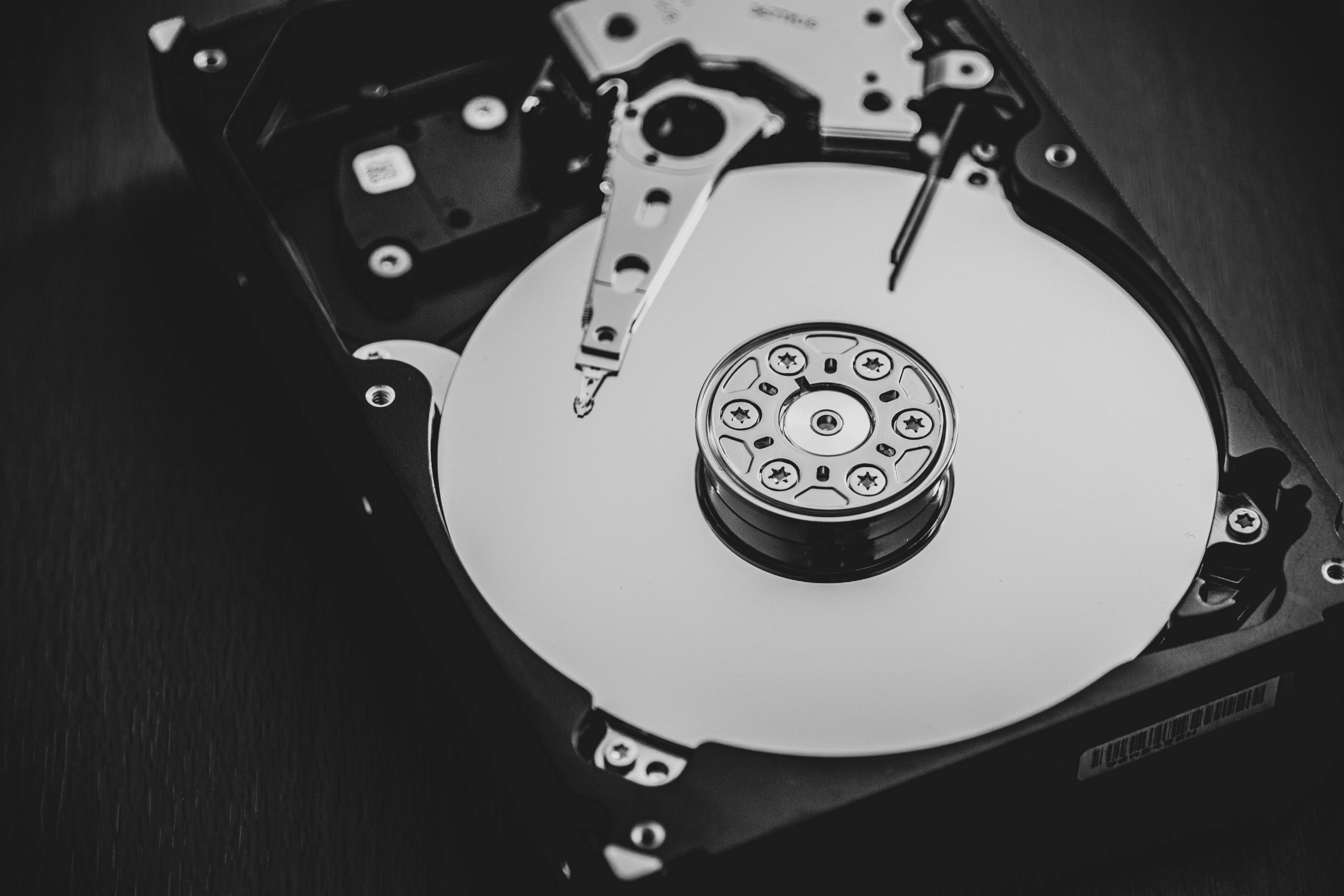
Storage on a computer is the component that keeps data permanently. It is where files, applications, and the operating system are saved so they remain available even when the computer is turned off. Storage allows users to keep information long term and access it whenever needed.
Unlike temporary memory, storage is designed to retain data without power. It plays a central role in how computers preserve information.
What this actually means in practice
In everyday use, storage is where documents, photos, videos, and installed programs are kept. When you save a file or install an application, the data is written to storage.
When the computer starts, the operating system is loaded from storage into memory so it can run. Applications are also retrieved from storage whenever they are opened.
If storage space becomes limited, users may be unable to save new files or install additional software. This makes storage capacity an important factor in daily computer use.
How computer storage works at a high level
Storage devices store data in an organized structure that allows the system to locate and retrieve information efficiently. Data is written to storage when it needs to be preserved and read back when required.
Compared to memory, storage access is slower but more durable. This trade-off allows computers to keep large amounts of information available over long periods.
The operating system manages how data is stored, organized, and accessed. It ensures that files can be retrieved correctly and that storage space is used efficiently.
What storage affects in real-world usage
Storage affects how much data a computer can hold and how quickly files can be accessed. Systems with faster storage may load applications and files more quickly.
Limited storage can restrict system functionality. When storage is nearly full, performance may be impacted, and system operations can become less efficient.
Storage also affects how users manage their data. Regular organization and maintenance help ensure smooth long-term operation.
Common misunderstandings about computer storage
A common misconception is that storage and memory are the same. Storage is used for long-term data, while memory is temporary.
Another misunderstanding is that deleting files immediately removes all data. In reality, storage systems often mark space as available rather than instantly erasing data.
Some users believe storage speed does not matter. While capacity is important, storage speed can influence how responsive a system feels.
FAQ
Does storage keep data when the computer is off?
Yes. Storage is designed to retain data even without power.
Is storage required for a computer to work?
Yes. Storage is necessary to hold the operating system and files.
Can storage be expanded?
In many systems, storage can be increased or replaced depending on the hardware design.
Conclusion
Storage is the component that allows computers to keep data permanently. It ensures that files, applications, and system software remain available over time. Understanding storage helps explain how computers save information and why capacity and speed matter.