
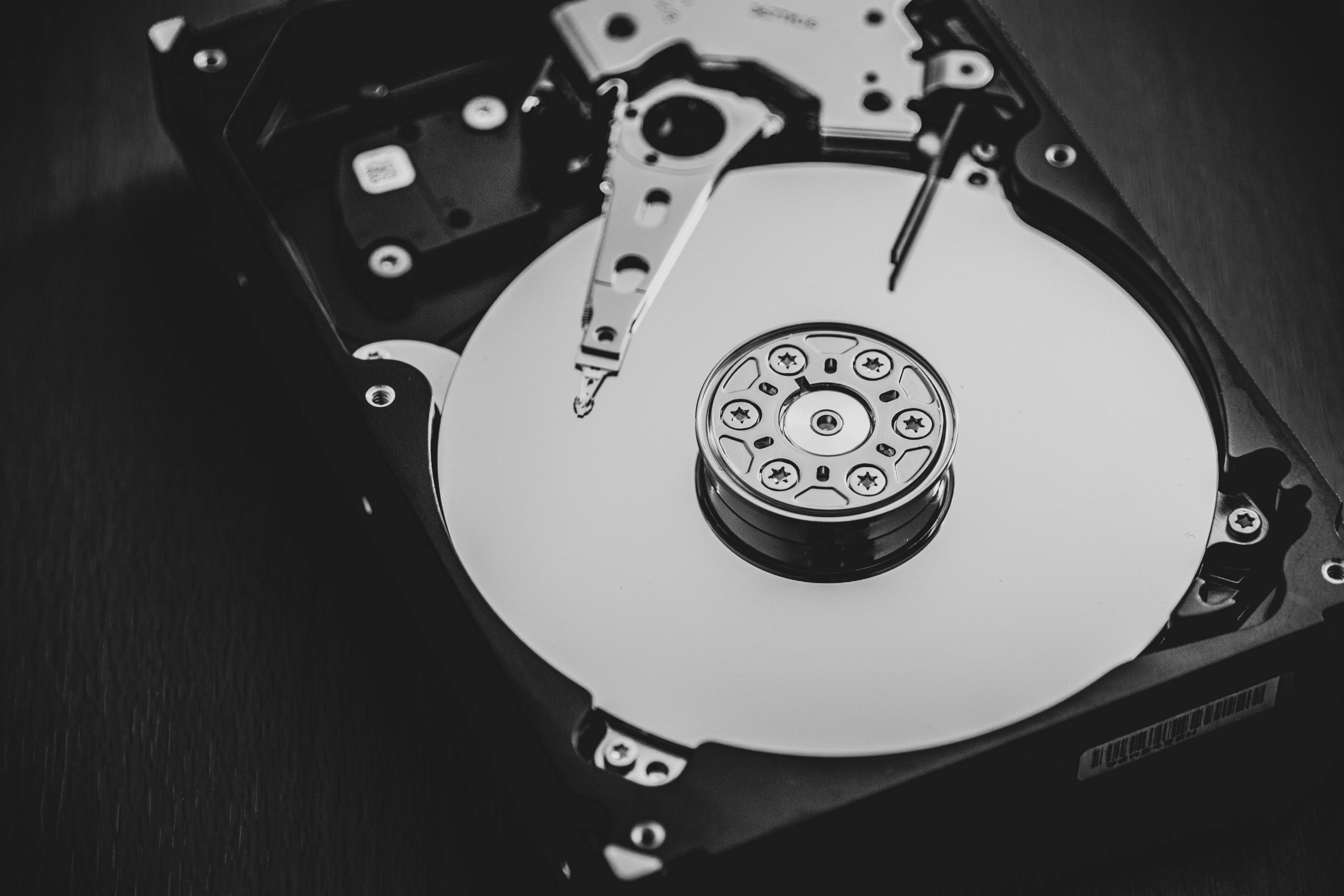
RAM and storage are two different types of memory used by computers, each serving a distinct purpose. RAM is used to temporarily hold data that the system is actively using, while storage is used to keep data permanently. Both are essential, but they play very different roles in how a computer operates.
Understanding the difference between RAM and storage helps explain why computers behave the way they do during everyday use.
What this actually means in practice
In daily use, RAM is where active programs and data are kept while your computer is running. When you open an application, browse the web, or edit a file, the information needed for those tasks is placed in RAM so it can be accessed quickly.
Storage, on the other hand, is where files, applications, and the operating system are saved when the computer is turned off. Documents, photos, videos, and installed software all reside in storage until they are needed.
When you shut down a computer, everything stored in RAM is cleared, but data saved in storage remains available the next time the system is started.
How RAM and storage work at a high level
RAM is designed for speed. It allows the processor to access data almost instantly, which helps applications run smoothly. Because of this speed, RAM is limited in size and is only used for temporary data.
Storage is designed for persistence. It keeps data even when power is removed. Accessing storage is slower than accessing RAM, but it provides much larger capacity for long-term use.
When a computer is running, data constantly moves between storage and RAM. Information needed immediately is loaded into RAM, while less active data stays in storage.
What RAM and storage affect in real-world usage
RAM affects how many tasks a computer can handle at the same time. If there is not enough RAM available, the system may slow down as it tries to manage active data.
Storage affects how much data a computer can keep. Limited storage space can restrict the number of files and applications that can be saved.
Both RAM and storage influence overall system responsiveness. A balance between sufficient RAM and adequate storage is important for smooth everyday operation.
Common misunderstandings about RAM and storage
A common misconception is that RAM increases long-term storage space. RAM does not store files permanently and cannot replace storage.
Another misunderstanding is that storage speed and RAM speed are the same. While faster storage can improve certain tasks, it does not perform the same function as RAM.
Some users also believe adding more storage will prevent slowdowns caused by low RAM. In reality, each component addresses different needs.
FAQ
Does more RAM give more storage space?
No. RAM and storage are separate and serve different purposes.
Can a computer work without storage?
No. Storage is required to save the operating system and files.
Why does a computer still slow down with lots of storage?
Slowdowns are often related to limited RAM or processing resources, not storage capacity.
Conclusion
RAM and storage serve distinct roles in computing. RAM supports active tasks by providing fast temporary memory, while storage preserves data long term. Understanding their difference helps explain how computers manage data and why both are necessary.