
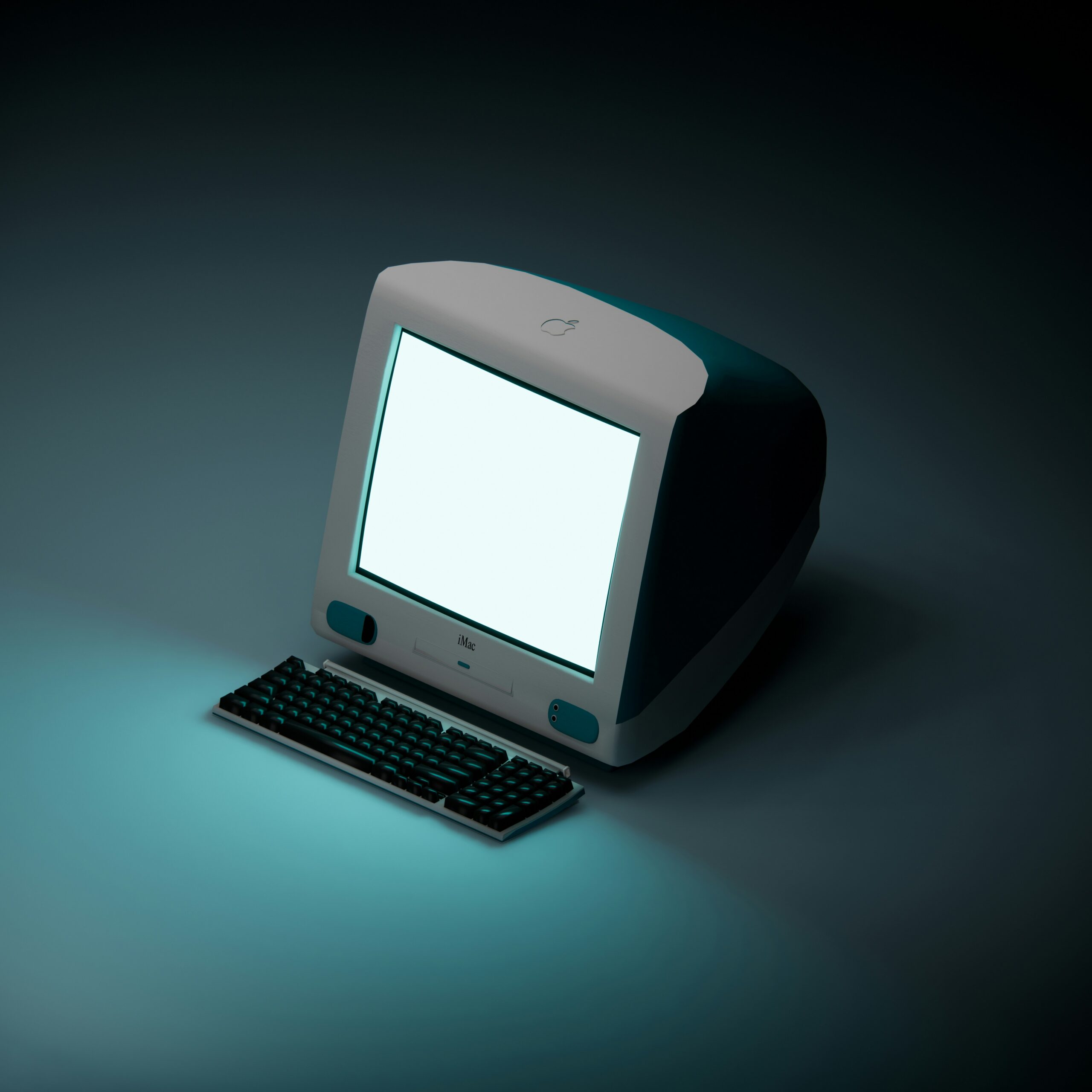
When you turn on a computer, a sequence of steps begins to prepare the system for use. Hardware components are checked, essential software is loaded, and control is handed over to the operating system. This process happens automatically and usually takes only a short time.
Although it looks simple from the outside, many coordinated actions occur before the desktop or login screen appears.
What this actually means in practice
From a user perspective, turning on a computer means waiting for it to become ready. During this time, the system is preparing everything needed to run applications and respond to input.
The startup process ensures that hardware components are available and that the system environment is stable. Without these checks and preparations, the computer would not be able to operate reliably.
The time it takes to start can vary depending on hardware speed, system configuration, and the amount of software that loads automatically.
How the startup process works at a high level
When the power button is pressed, electricity flows to the system’s components. The processor begins executing basic instructions stored in firmware, which initializes the hardware.
Once essential components are ready, the system locates the operating system stored on the computer. The operating system is then loaded into memory, where it can take control of the system.
After this, system services and background processes start. Finally, the user interface is prepared, allowing the user to interact with the computer.
What happens before the system is ready to use
During startup, the computer performs checks to ensure components such as memory, storage, and input devices are functioning. If issues are detected, the system may pause or display an error.
The system also prepares drivers, which allow the operating system to communicate with hardware components. These drivers are necessary for proper functionality.
Startup tasks continue until the system reaches a stable state. Only then can applications be launched and user actions be processed normally.
Common misunderstandings about computer startup
A common misconception is that the computer is usable immediately after power is applied. In reality, many steps must be completed first.
Another misunderstanding is that startup only involves software. Hardware initialization is equally important and happens before the operating system loads.
Some users believe startup problems always indicate hardware failure. In many cases, delays are caused by software configuration or background tasks.
FAQ
Why does startup take longer sometimes?
Startup time can increase due to system updates, additional background software, or slower storage.
Does turning off a computer reset everything?
It clears temporary data in memory, but stored files and settings remain unchanged.
Can a computer start without an operating system?
No. An operating system is required for the computer to be usable beyond basic initialization.
Conclusion
Turning on a computer triggers a structured process that prepares hardware and software for use. Each step ensures stability and functionality before the system becomes interactive. Understanding this process helps explain startup behavior and variations in boot time.