
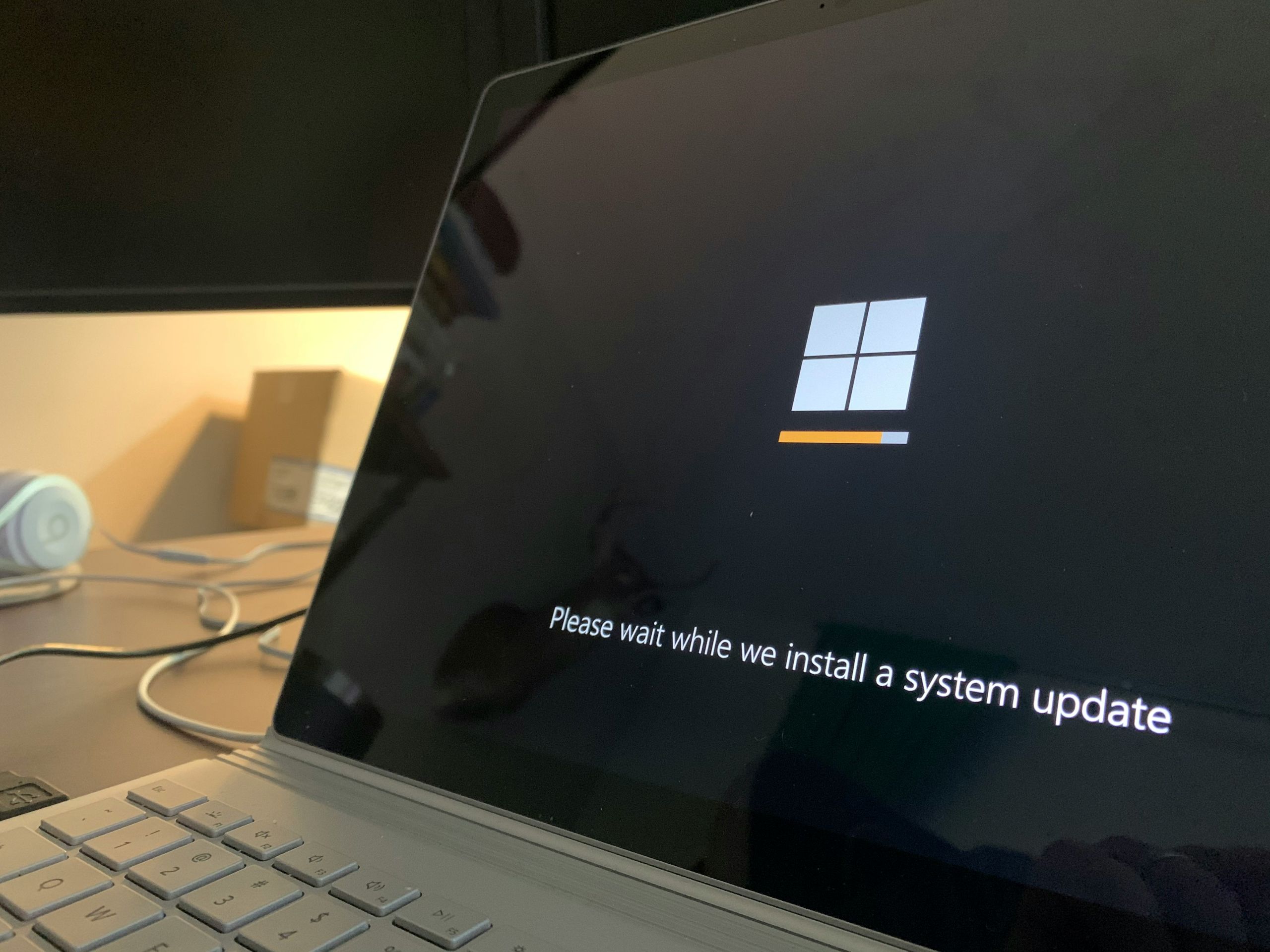
Software needs updates to remain functional, secure, and compatible with changing systems. Updates modify existing instructions or add new ones to improve how software behaves. Without updates, software can become unreliable or incompatible over time.
Updates are a normal part of how modern software is maintained.
What this actually means in practice
In everyday use, software updates may introduce new features, fix issues, or adjust how a program works. Users often see updates as notifications or automatic downloads.
Updates help software continue working with newer devices, operating systems, and services. As systems evolve, software must adapt to remain usable.
Some updates are small and frequent, while others are larger and introduce noticeable changes. Both types help keep software functional.
How software updates work at a high level
Updates replace or modify parts of existing software. They adjust instructions that control how the software behaves during execution.
The update process usually verifies existing files, applies changes, and ensures consistency. This helps prevent corruption or incomplete installations.
Updates may also include configuration changes that affect how software interacts with the system or other applications.
What software updates affect in real-world usage
Updates affect stability, security, and usability. Fixes can reduce crashes, improve performance, or resolve unexpected behavior.
Security updates protect against vulnerabilities that could be exploited. These updates are especially important even when no visible changes occur.
Updates can also affect compatibility. Software may stop working correctly if updates are skipped for long periods.
Common misunderstandings about software updates
A common misconception is that updates are only for adding features. In reality, many updates focus on fixing issues or improving reliability.
Another misunderstanding is that updates always slow down systems. While some updates increase requirements, many improve efficiency or stability.
Some users believe updates are optional indefinitely. Skipping updates for too long can increase the risk of problems or incompatibility.
FAQ
Are software updates always necessary?
Not always immediately, but regular updates help maintain proper operation.
Do updates change how software looks?
Some updates change appearance, while others only affect internal behavior.
Can updates cause issues?
Occasionally, but updates are generally designed to improve reliability and fix problems.
Conclusion
Software needs updates to remain secure, stable, and compatible with evolving systems. Updates adjust instructions, fix issues, and improve behavior over time. Understanding why updates are needed helps explain their role in maintaining reliable software.